Seedance 2.5 Prompt Guide: Structure, References and 8 Example Prompts
How to prompt Seedance 2.5, the newest available Seedance model: a shot-by-shot prompt structure, Frames and Reference mode tips, audio and duration settings, and 8 prompts you can paste into the generator.
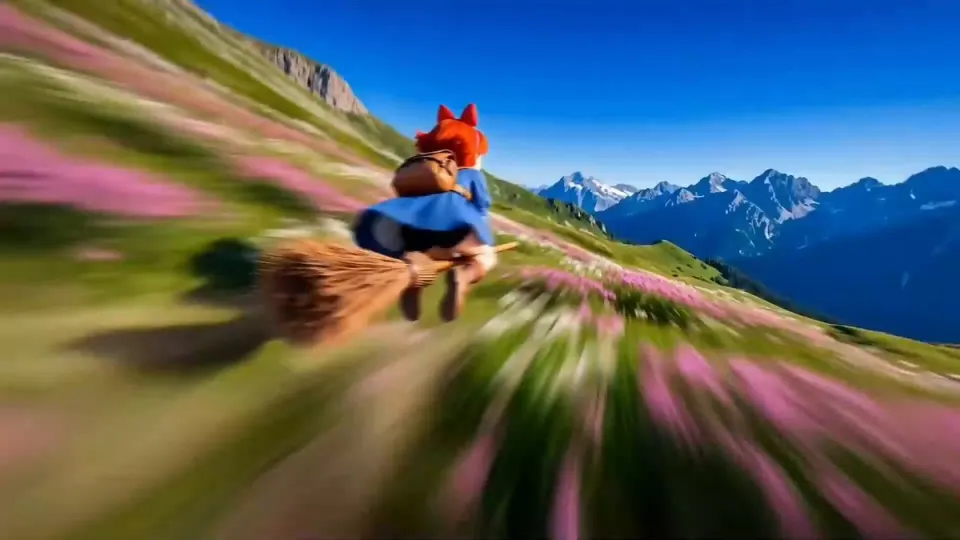
Seedance 2.5 is the newest Seedance you can actually run (Seedance 3 is not released yet). On Seedance3 it renders clips from 4 to 30 seconds at 480p, 720p, 1080p or 4K, accepts up to 30 reference images, and generates native audio that you can turn off. This guide covers how to write prompts that use those settings well, then gives you eight prompts to try in the generator.
Seedance3 is an independent studio and is not affiliated with ByteDance, which makes Seedance.
Think in shots, not keywords
Seedance responds best to prompts that read like a director's note. Instead of a pile of adjectives, tell it who is on screen, what happens, and how the camera sees it. Two rules cover most of the gains:
- One main action per shot. If you need several beats, number them ("Shot 1… Shot 2…") so the model can pace them across the clip.
- Match the length to the action. A 5-second clip fits one move. Save 20 or 30 seconds for sequences that genuinely need the time.
A prompt structure for Seedance 2.5
| Part | What to write | Example |
|---|---|---|
| Subject | Who or what, with two or three visual details | "a teenage skateboarder in a mustard hoodie" |
| Action | The one thing that happens | "kicks off and carves down an empty parking deck" |
| Setting | Place, time, weather | "rooftop car park at golden hour, long shadows" |
| Camera | Lens feel and movement | "low tracking shot, slight handheld shake" |
| Style | Look and grade | "35mm film grain, warm highlights" |
| Sound | What we hear (if audio is on) | "wheels on concrete, distant traffic, no music" |
Write it as one or two flowing sentences in that order. You rarely need all six parts, but keeping the order makes prompts easy to edit later.
Using Frames mode
Frames mode starts the video from an image you upload. The first frame is required; the last frame is optional and tells Seedance where the shot should end. Tips:
- Describe the motion between the frames, not what the frames already show.
- Keep both frames in the same aspect ratio you pick for the video.
- If the transition looks rushed, add a few seconds rather than rewriting the prompt.
Using Reference mode
Reference mode keeps people, products or outfits consistent in a new scene. Seedance 2.5 takes up to 30 images here (Seedance 2.5 Flash takes up to 10, and the 2.0 models up to 9). Tips:
- Use several angles of the same subject rather than many different subjects.
- In the prompt, name what each reference is for: "the woman from the references, wearing the same green jacket".
- Plain backgrounds in reference photos reduce stray details leaking into the scene.
Audio, duration and resolution
- Audio is on by default. Describe sounds you want; switch audio off if you plan to add your own soundtrack. The price does not change either way.
- Duration options for Seedance 2.5 are 4, 5, 8, 10, 15, 20 and 30 seconds. Cost scales with every second, so draft short.
- Resolution: iterate at 480p or 720p, then render the keeper at 1080p or 4K. For quick drafts, Seedance 2.5 Flash runs at 480p and 720p for fewer credits.
8 Seedance 2.5 prompts to copy
- Rainy neon alley. A courier in a translucent raincoat cycles through a narrow neon-lit alley at night, puddles splashing. Low tracking shot following the back wheel, then rising to reveal the skyline. Rain on metal roofs, a distant siren.
- Kitchen close-up. Macro shot of butter melting in a cast-iron pan, garlic dropped in and sizzling. Shallow depth of field, steam drifting through window light. Sizzle and a soft wooden-spoon tap.
- Desert drone. Aerial shot gliding over orange sand dunes at sunrise, a lone jeep leaving a dust trail. Slow forward drone move, gentle tilt down. Wind and a faint engine hum.
- Product reveal. A matte black wireless speaker rotates slowly on a pedestal while warm light sweeps across it. Studio backdrop, slow orbit camera, crisp reflections. Low bass pulse.
- Stop-motion feel. A clay fox tiptoes across a felt forest floor and sniffs a paper mushroom. Stop-motion style with slight frame jitter, top-down then side angle. Soft rustling and a tiny sneeze.
- Two-shot story. Shot 1: an old lighthouse keeper climbs a spiral staircase holding a lantern. Shot 2: he lights the lamp and the beam sweeps across a stormy sea. Wide, moody, cold blue grade. Thunder and waves.
- Vertical fashion clip (9:16). A model in an oversized red coat walks toward camera on a windswept pier, coat flaring. Slow push-in, overcast light, editorial grade. Wind and footsteps on wood.
- Animated explainer. Flat 2D illustration of a seed sprouting into a tree, roots spreading underground as seasons change. Smooth side-scrolling camera, pastel palette. Light marimba music.
Paste any of these into the generator, keep Seedance 2.5 selected, and start at 480p for five seconds. When a take looks right, raise the resolution and length. Failed renders are refunded automatically, so a weak take costs you nothing.
For help choosing between Seedance versions, read Seedance 2.5 vs 2.0.